
What players say
Nonstop Dash Survival Run delivers exactly what its name promises: a pure, escalating challenge built around dodging obstacles. The controls are simple, the visuals are clear, and the difficulty curve keeps you coming back for one more try. It avoids unnecessary complexity, letting the core gameplay shine. The full-screen mode is a nice touch for immersive sessions. While it won't replace deep strategy games, it's an excellent choice for quick bursts of adrenaline.
About this game
Core Movement & Reaction
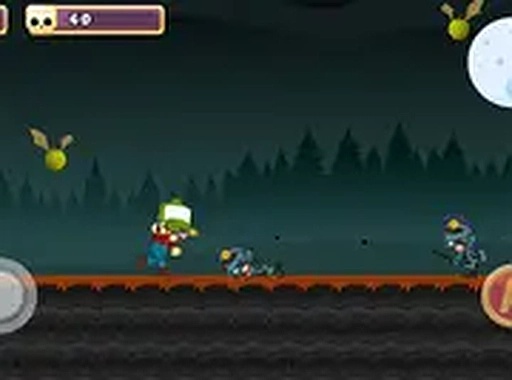
In Nonstop Dash Survival Run, players control a character that automatically moves forward through an ever-changing corridor. The primary interaction involves shifting the character left or right to avoid obstacles and creatures that appear ahead. The game rewards quick reactions and precise timing, as the environment becomes more crowded with hazards the longer you survive. There are no complex combos or power-ups to manage—success depends entirely on your ability to read the path and respond instantly.
Escalating Challenge Design
The difficulty curve is built around increasing speed and obstacle density. Early rounds allow for comfortable reaction times, but as your score climbs, the gaps between hazards shrink and the pace picks up noticeably. This gradual ramp-up keeps the experience engaging without feeling unfair. Players who maintain focus and develop a rhythm will find themselves lasting longer and achieving higher scores. The game does not rely on random elements; instead, it uses a predictable pattern that skilled players can learn over time.
Visual Clarity & Browser Performance
The game uses clean, high-contrast visuals to ensure obstacles and creatures are easy to spot against the background. This design choice reduces eye strain during long sessions and helps players make split-second decisions. Full-screen mode is supported, widening the field of view and giving you a slight advantage in spotting threats early. The game runs smoothly on most modern browsers without lag, thanks to efficient HTML5 coding. No plugins or downloads are required, making it accessible on both desktop and mobile devices.
Session Structure & Scoring
Each run is a single, continuous attempt to survive as long as possible. Your score increases with each obstacle avoided, and the game ends when you collide with a hazard. There are no checkpoints, lives, or continues—every session is a fresh start. This structure encourages short, intense play sessions that fit easily into a break. The scoring system is transparent: the farther you go, the higher your score. There are no hidden multipliers or bonus stages, keeping the focus purely on your reflexes and decision-making.







Player comments
Sign in to comment
You must be logged in before posting a review or rating.
No account? Create one
No comments yet. Be the first to comment!